
Start Here
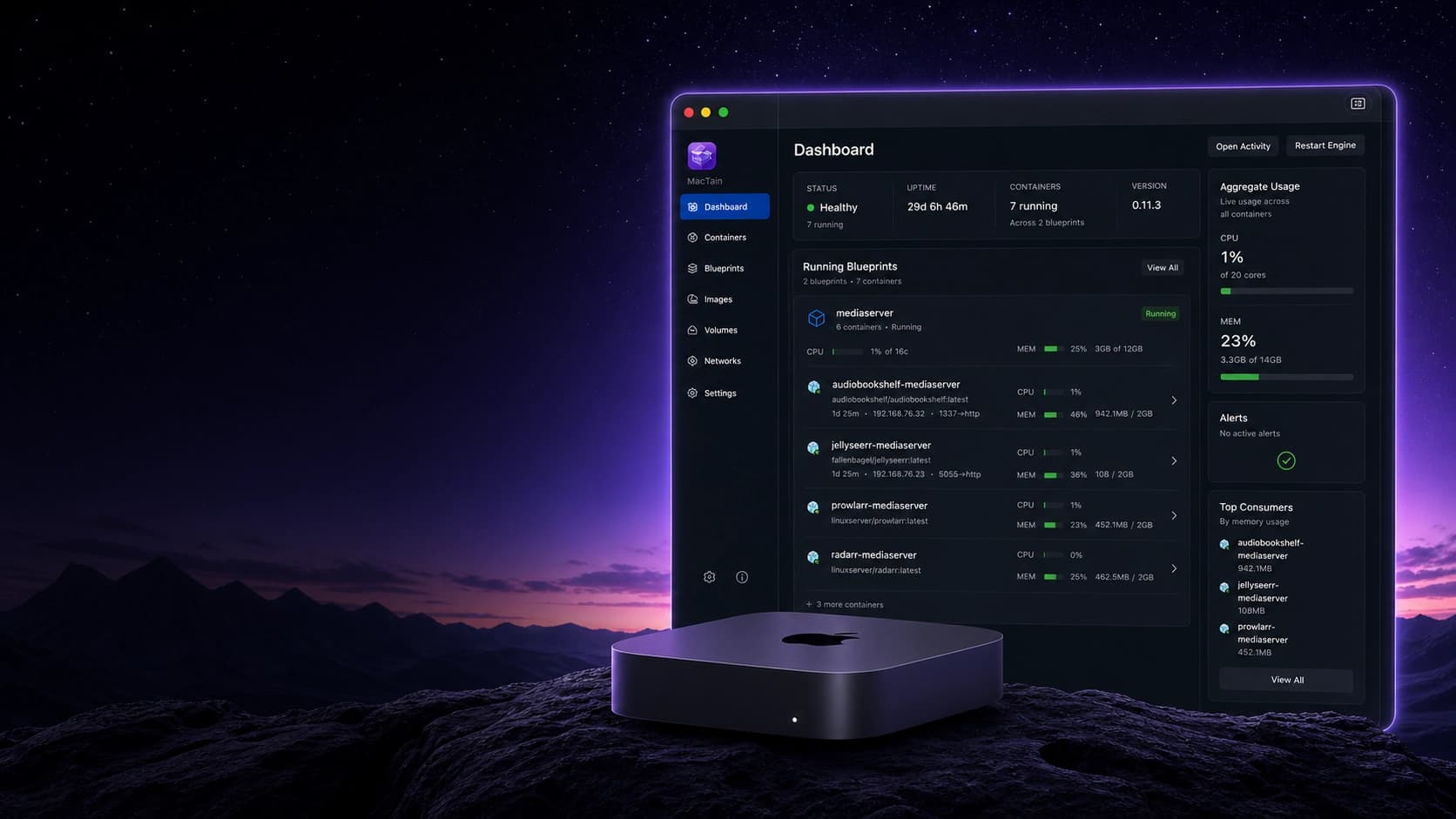
MacTain is a Mac-first container management system with a native app, Engine, and CLI. The launch docs follow the order most users need: understand the product, install it, verify the local environment, run one container, then move to repeatable workflows.
Recommended Path
- What is MacTain?
- Install MacTain
- Verify installation
- Learn the MacTain GUI
- Run your first container
- Use Blueprints
Find A Task
- Running containers: Containers
- Using the native app: MacTain GUI
- Building and publishing images: Build images, Images, and Registry credentials
- Repeatable app definitions: Blueprints
- Sensitive runtime values: Secrets
- Docker and Compose migration: Docker to MacTain and Compose Converter
- Operational topics: Networking, Volumes, and Resource management
- Commands: CLI reference
- Problems: Troubleshooting
Next Steps
Continue with What is MacTain?, then move to Installation when you are ready to set up the app and CLI.